

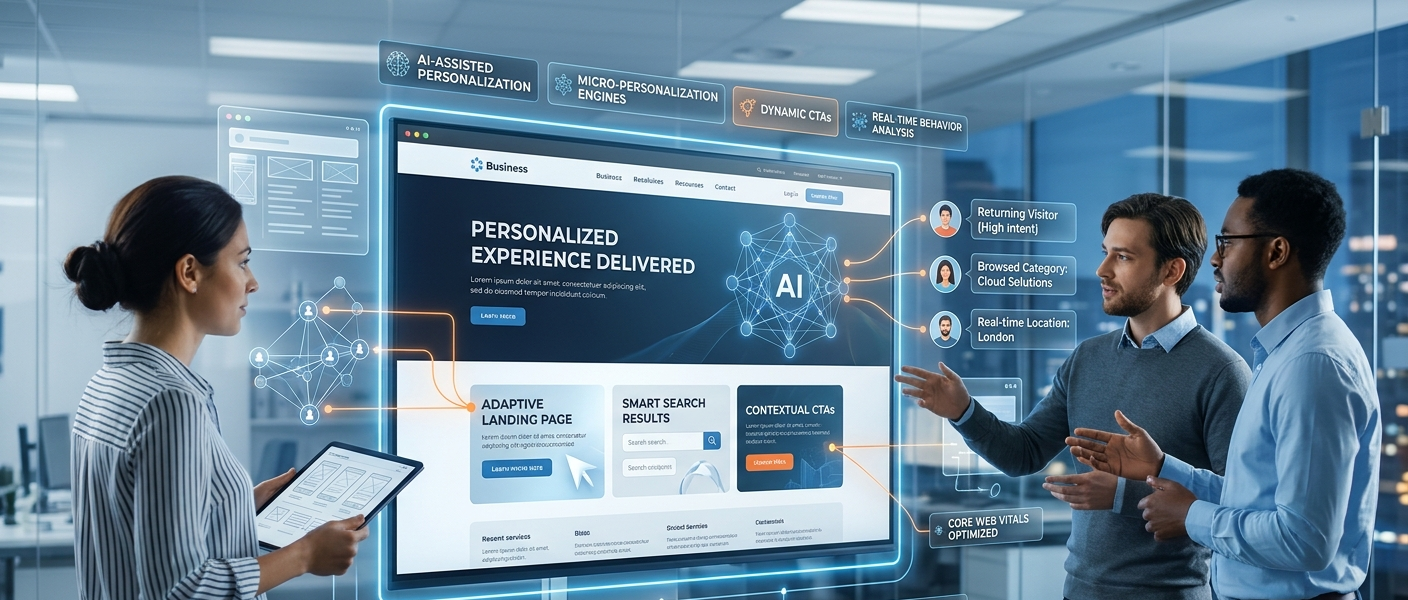
AI-assisted website personalization uses machine learning to tailor a site’s content, layouts, offers, and calls to action to each visitor in real time, based on behavior, context, and intent. In 2026, it helps businesses lift conversions, cut bounce rates, and shorten sales cycles without manual segmentation.
Key Takeaways
- AI web personalization adapts your site to each visitor automatically, instead of showing everyone the same page.
- It works by combining behavioral data, real-time context, and machine learning.
- Start small: personalize one high-traffic page, measure, then expand.
- First-party data and consent are the foundation. Without them, personalization becomes a risk.
What Is AI-Assisted Personalization in Web Development?
AI-assisted personalization means your website changes what it shows based on who is viewing it and what they are trying to do. A first-time visitor from a search ad sees different content than a returning customer.
Traditional personalization relied on fixed rules a team wrote by hand. AI replaces much of that manual work by finding patterns in visitor data and adjusting automatically.
Static vs. Dynamic UX
| Aspect | Static Website | Rule-Based Personalization | AI Web Personalization |
|---|---|---|---|
| Content | Same for everyone | Varies by manual segments | Adapts to each visitor |
| Setup effort | Low | High (many rules to maintain) | Medium (data and model setup) |
| Optimization | Occasional A/B tests | Manual updates | Continuous, automated learning |
| Data needs | None | Basic segments | Quality first-party data |
| Scalability | Limited | Hard to scale | Scales with traffic |
Why It Matters in 2026
Visitors expect relevance and leave quickly when they don’t find it. Meanwhile, AI tooling has made personalization more accessible to teams without large data science departments.
At the same time, privacy rules and consent expectations are tighter. The winning approach pairs smart personalization with transparent data practices.
How Micro-Personalization Engines Work
Micro-personalization adjusts small details, such as a headline, a product order, or a button label, for each individual rather than for broad segments. Most engines follow the same five-stage loop:
- Collect: capture behavioral, contextual, and profile data.
- Unify: combine it into a single visitor profile.
- Decide: use models to choose the best content or action.
- Deliver: render the personalized experience instantly.
- Learn: measure the result and feed it back into the model.
Behavioral Data and Real-Time Context
Real-time personalization depends on signals available during the visit. These typically fall into three groups:
- Behavioral: pages viewed, scroll depth, clicks, searches, and time on page
- Contextual: device, location, traffic source, time of day, and campaign
- Profile: CRM data, purchase history, and stated preferences
Machine Learning Behind the Scenes
Several techniques commonly power these engines:
- Clustering and segmentation to group visitors with similar behavior
- Recommendation algorithms to suggest relevant products or content
- Propensity scoring to estimate how likely a visitor is to convert
- Multi-armed bandit testing to shift traffic toward winning variants automatically
First-Party Data and Privacy
Build personalization on first-party data (collected directly on your site) and zero-party data (information visitors share on purpose, like preferences). Use a consent management tool and follow regulations such as GDPR and CCPA/CPRA.
Be transparent about what you collect. Personalization that feels invasive erodes trust faster than it builds conversions.
Key Business Benefits
Results vary by industry, traffic, and data quality, so treat any benchmark as a starting point and test on your own site.
| Benefit | How Personalization Helps | Metric to Track |
|---|---|---|
| Higher conversions | Shows the most relevant offer and message | Conversion rate, revenue per visitor |
| Reduced bounce rates | Matches content to visitor intent immediately | Bounce rate, engagement rate |
| Faster sales funnels | Guides visitors to the next step sooner | Time to convert, lead quality |
Higher Conversions
When a page reflects a visitor’s industry, need, or stage, there is less friction between interest and action. Even small changes, like a tailored headline, can improve results.
Reduced Bounce Rates
Many visitors leave within seconds if a page feels generic. Message match between the ad, the page, and the visitor’s intent keeps them engaged longer.
Faster Sales Funnels
Personalization can skip steps that don’t apply. A returning lead can see a demo prompt, while a new visitor sees educational content first.
Real-World Use Cases
Dynamic Landing Pages
Dynamic landing pages change headlines, imagery, proof points, and offers based on the traffic source or visitor profile. A B2B company might show different case studies to healthcare and finance visitors.
Smart and Personalized CTAs
Personalized CTAs adapt the button text and offer to the visitor’s stage. New visitors might see “Read the guide,” while returning visitors see “Book a consultation.”
- Match the CTA to funnel stage
- Test one change at a time
- Avoid overwhelming users with competing offers
Personalized Search and Product Feeds
AI can reorder search results and product listings based on a user’s browsing and purchase behavior. Recommendations like “picked for you” and “recently viewed” keep shoppers moving toward checkout.
Adaptive Navigation and AI UX
AI UX design can also surface the menu items, resources, or tools a user is most likely to need. Use this carefully, since users still need a predictable, consistent interface.
Best Tools and Frameworks for Implementation
Choose tools based on your team size, budget, and technical stack. Always verify current features and pricing before committing.
| Category | Examples | Best For |
|---|---|---|
| Experimentation and personalization platforms | Optimizely, Adobe Target, VWO, Dynamic Yield | Mid-size to enterprise teams |
| Search and recommendations | Algolia, Bloomreach, Coveo | Ecommerce and content-heavy sites |
| Customer data infrastructure | Segment, RudderStack | Unifying data across tools |
| CRM-driven content | HubSpot smart content | Marketing teams already on HubSpot |
| Developer stack | Next.js middleware, Cloudflare Workers, feature-flag tools | Custom, fast edge-level personalization |
Developer Considerations
- Performance: personalization scripts can slow pages. Render at the edge or server where possible to protect Core Web Vitals.
- SEO: make sure crawlers can see a stable, indexable version of key content.
- AI-generated copy: use human review and brand guardrails before publishing.
Practical Roadmap: How to Get Started Today
- Set a clear goal. Pick one metric, such as demo requests or checkout rate.
- Audit your data. Identify what first-party data you already collect and where gaps exist.
- Choose one high-impact page. Start with your highest-traffic landing page or homepage.
- Define two or three audiences. Examples: new vs. returning, or by industry or traffic source.
- Pick a tool that fits. Start with what your CMS, CRM, or analytics stack already supports.
- Launch and test. Run controlled experiments against a non-personalized control group.
- Measure, learn, and expand. Scale to more pages once you see a reliable lift.
Mistakes to Avoid
- Personalizing without enough data or traffic to learn from
- Over-segmenting so each audience is too small to measure
- Ignoring privacy, consent, and transparency
- Letting scripts slow your site down
- Skipping a control group, so you can’t prove the impact
Frequently Asked Questions
What is AI web personalization and how does it work?
It uses machine learning to tailor website content to each visitor in real time, using behavior, context, and profile data. A feedback loop learns what works and improves over time.
Is AI website personalization worth it for small and mid-size businesses?
Often yes, if you have enough traffic to test and a clear conversion goal. Start with one page and the tools you already use, then expand if results justify it.
Is AI web personalization GDPR-compliant?
It can be, if you collect data lawfully, get valid consent where required, and are transparent about its use. Consult a legal professional for your specific situation.
Conclusion: Make Every Visit Count
AI web personalization turns a one-size-fits-all site into an experience that adapts to each visitor. Done well, it improves conversions, reduces bounce rates, and shortens the path to a sale.
Start with clean first-party data, one focused use case, and a clear way to measure results. Build trust through transparency, then scale what works.
Ready to Personalize Your Website?
Our web development team builds fast, privacy-conscious personalization into business websites. Get in touch today for a personalization strategy session and a clear plan to turn more visitors into customers.
