

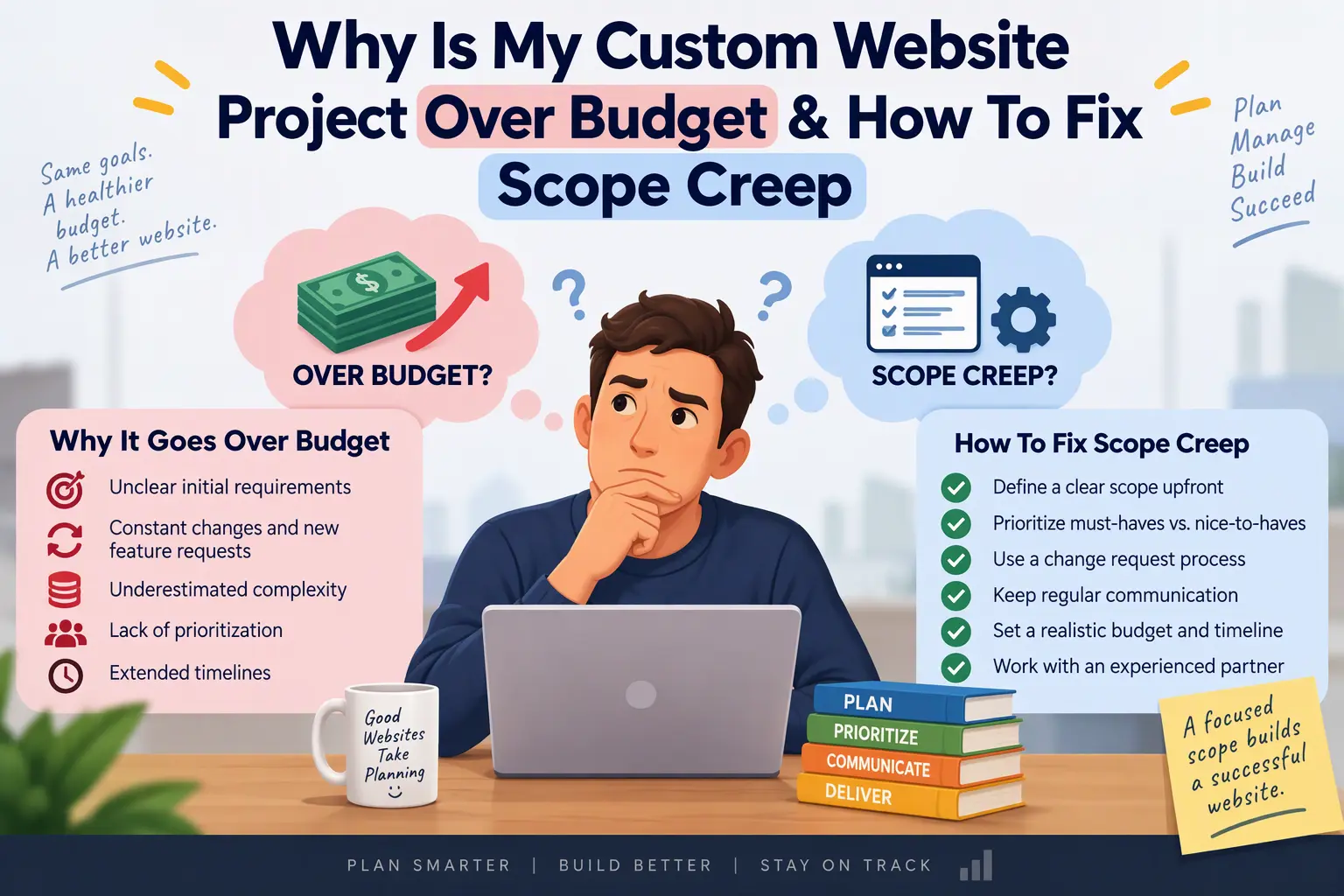
If your custom website or app project is over budget, behind schedule, or both, you are not alone. It is also rarely because someone is acting in bad faith.
Custom development is not like buying a product off the shelf. You are paying for something that does not exist yet, so every estimate at the start is an informed guess built on incomplete information. That guess gets tested the moment real work begins. A hidden requirement surfaces. A tool you assumed would connect easily turns out not to. A stakeholder sees the first version and realizes what they actually wanted. Each one is small. Together, they can double a budget.
This article explains where the extra cost really comes from, what it does to your project if left alone, and the exact steps I use to pull a project back under control. You do not need to be technical to follow it.
Why Custom Projects Go Over Budget
1. The scope of work was vague
A scope that says “e-commerce website with customer accounts and payment integration” can be built a hundred different ways at a hundred different prices. Do “customer accounts” include password reset, order history, saved addresses, and social login? Does “payment” mean one provider or three, one currency or several, and does it cover refunds and subscriptions?
When the document is vague, the developer prices the simple version and the client expects the complete one. The gap between those two versions is where overruns begin, and both sides honestly believe they are right.
Warning signs your scope was too loose:
- Features are described in one line instead of with rules and edge cases
- There is no list of what is not included
- No one defined what “done” means for each feature
- Pages and screens were never listed individually
2. Third-party dependencies and plugins behaved differently than expected
Modern websites rarely stand alone. They depend on payment gateways, CRMs, booking tools, email platforms, shipping services, and plugins. Each has its own rules, rate limits, documentation quality, and quirks.
An API that looked simple on a sales call may need authentication flows, data mapping between two systems that name things differently, error handling for when the other service is down, and testing against a sandbox that behaves differently from the live system. Plugins carry their own risk. They save time at first, then conflict with each other, slow the site down, or fall short of the one thing you need, which forces a custom workaround.
3. The architecture changed without a change request
Halfway through, someone decides the site must support multiple languages, or the booking system should also handle memberships, or the data should live in a different system. These are structural changes. Altering the foundation after the walls are up is a very different job from repainting a room.
When this is treated as a casual “quick change” instead of a formal change request with its own price and timeline, nobody tracks the cost until the invoice arrives.
4. Business intent never became a technical spec
Business owners describe outcomes: “customers should be able to reorder easily.” Developers need specifics: which screen, which data, and what happens if the item is out of stock. When nobody translates one into the other, developers fill the gaps with assumptions. Some of those assumptions are wrong, and wrong assumptions mean rework.
Rework is the most expensive kind of work because you pay for it twice.
The Real Cost of Uncontrolled Scope Creep
The invoice is only the visible part. Left alone, scope creep damages the project in quieter ways:
- Timeline slippage. Every unplanned addition pushes the launch date, and the delays compound because later tasks depend on earlier ones.
- Fragile code. When a team is rushed to absorb extra work, shortcuts creep in. Features get bolted on rather than built properly, and they break when something nearby changes.
- Technical debt. Shortcuts taken today become costs you pay later, usually every time you want to add something new. A site built in a hurry gets more expensive to change over time, not cheaper.
- Team fatigue. Developers working against a moving target lose momentum and care. Quality drops and good people leave.
- Lost trust. Vague explanations and surprise invoices damage the relationship between you and your team, which makes every later decision harder.
The longer it continues, the more it costs to correct. That is why acting early matters.
How to Fix It: A Step-by-Step Recovery Plan
Step 1: Audit the current scope and codebase
Before you spend another dollar, find out exactly where you stand.
- Collect every document: the original proposal, the scope of work, emails, chat messages, and design files.
- List every feature that was promised and mark each one: done, in progress, not started, or added since the start.
- Have an independent technical lead review the code. They should look at how it is structured, which dependencies it uses, how it is tested, basic security, and how it is hosted.
- Estimate the cost to finish the remaining work separately from the original budget, so you can see the true gap.
An outside review matters because the people building the project are not always the best people to judge it.
Step 2: Freeze features and introduce change orders
Pause all new requests for two to four weeks. During this period, the team finishes what is already in scope and nothing gets added.
After the freeze, every change goes through a one-page change order that states:
- What is changing and why
- The impact on cost
- The impact on the timeline
- What, if anything, will be removed or delayed to make room
Nothing is started until you approve it in writing. This is not bureaucracy. It is a receipt that shows you what each decision costs before you commit to it.
Step 3: Separate must-haves from nice-to-haves
Go through your remaining feature list and sort each item into one of three groups:
- Must-have: the product cannot launch or earn money without it, or it is legally required.
- Should-have: valuable, but the launch can go ahead without it.
- Later: good ideas for a second release.
For each item, ask one question: “If we launched without this, would we lose money or break a rule?” If the answer is no, it moves down the list. Launch with the must-haves, learn from real users, and release the rest in phases. A working product in the market is worth more than a perfect one still in development.
Step 4: Make progress visible every week
Most budget surprises survive because nobody can see them coming. Fix that with a simple routine:
- A staging site where you can click through the actual work in progress at any time, instead of waiting for demos.
- A weekly 30-minute review to walk through what was finished and approve what comes next.
- A visual task board with columns such as To do, In progress, In review, and Done, so status is never a matter of opinion.
- A short written update each week covering three things: what was completed, what is next, and any risks or blockers.
- Budget burn against progress. If 60% of the budget is spent and 30% of the work is done, you want to know now, not at launch.
An Over-Budget Project Can Be Saved
If you are in the middle of this right now, the most important thing to know is that it is fixable. Most troubled projects do not need to be thrown away. They need an honest assessment of what exists, a clear boundary around what remains, and a structured way to finish.
Clean architecture and disciplined execution can turn a runaway build into a predictable one, often faster than people expect. The first step is seeing the problem clearly.
Get a technical code and scope audit
I review troubled web and app projects, including custom builds, API integrations, and automation work. I look at your code, your scope, and your timeline, then give you a plain-language report covering what is done, what is at risk, what it will cost to finish, and what to cut or delay to get to launch.
You do not need to be technical, and you do not need to have all your documents in order. Get in touch for a technical code and scope audit and let’s work out how to salvage your build. You can also see examples of my work in my portfolio.
