

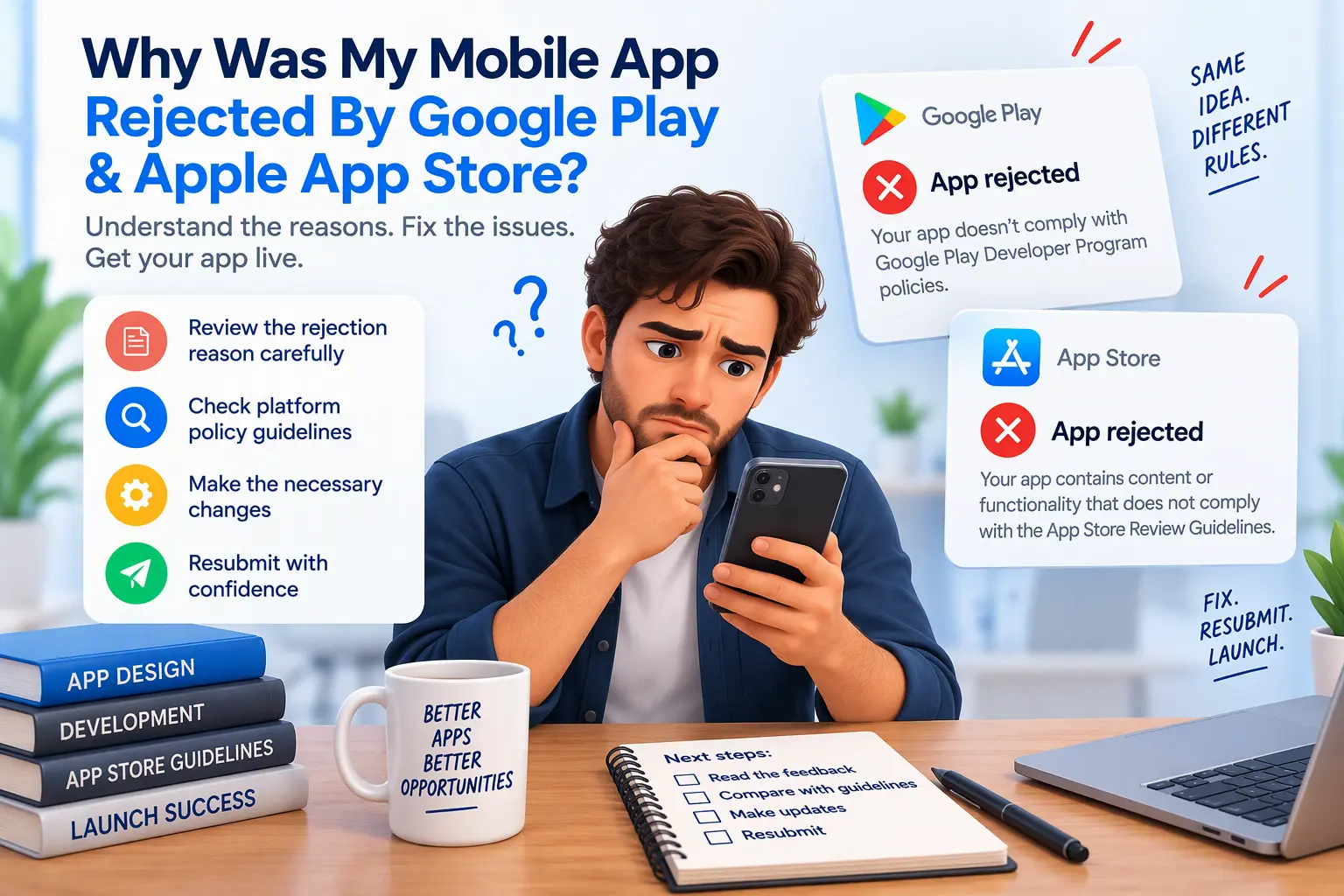
The email arrives with a subject line like “Issue with your submission”, followed by a block of boilerplate that cites a guideline number and tells you almost nothing about what to fix. Your launch date is now in doubt, your marketing is lined up, and nobody can say how long the next review will take.
Take a breath. A rejection is not a verdict on your app. In my experience, most mobile app rejections by the Apple App Store or Google Play come from a short list of preventable technical and metadata problems, and nearly all of them can be fixed without rebuilding anything.
Below, I cover the most common reasons apps get rejected, how to read the rejection properly, how to fix the underlying issue, and how to resubmit in a way that gets approved. Even if your notice looks vague, you can usually work out exactly what the reviewer saw.
The Top Reasons Apple and Google Reject Apps
- Thin WebView apps: Apple’s Guideline 4.2 targets apps that simply wrap a website. If your app adds little beyond a browser view, expect pushback. Native navigation, push notifications, offline behaviour or device features help show real app value. Google also scrutinises WebViews, particularly around permissions and deceptive behaviour.
- Missing account deletion: If your app lets people create an account, both stores require an in-app way to request deletion. Apple enforces this strictly, and Google requires a deletion option plus a web link in your Data safety section.
- Login problems under Guideline 2.1: Reviewers cannot log in, demo credentials are missing or expired, or a backend is offline during review. This is one of the most common causes of rejection.
- Privacy policy and data disclosures: A missing or unreachable privacy policy, or Apple privacy labels and Google Data safety answers that do not match what your app really collects, will trigger a rejection.
- Metadata errors: Screenshots that show features the app lacks, placeholder text, misleading descriptions, or keywords that mention competitors.
- Crashes and performance bugs: Apps that crash on launch, break on certain screen sizes, or stall on a slow connection do not pass.
- Unjustified permissions: Requesting location, camera, contacts or background access without a clear in-app reason, or without a purpose string that explains it.
Step 1: Diagnose the Exact Rejection Code
The boilerplate is only the headline. The useful detail is usually further down.
On Apple: Open the Resolution Center in App Store Connect and read the full message, not just the first paragraph. Look for the guideline number (for example 2.1, 4.2 or 5.1.1), any attached screenshots, and notes about the device and OS version used in review. Reply in the same thread if something is unclear. Reviewers can answer questions, and you can also request a call.
On Google Play: Open Policy status or the Publishing overview in Play Console, plus the email sent to your developer address. It names the policy involved, such as User Data, Deceptive Behaviour or Permissions, and often points to the exact release or store listing element.
Then reproduce the problem yourself. Install the release build, not the development build, on a clean device, and follow the same path as a reviewer: fresh install, create an account, deny permissions, switch networks. Most rejections become obvious within ten minutes.
Step 2: Fix Technical and Compliance Bottlenecks
- Permissions: Remove anything you do not use. For the rest, add accurate usage descriptions (iOS purpose strings, Android permission declarations) and request each one at the moment it is needed. In Expo, check your
app.jsonorapp.configplugins so unused permissions are not added automatically. - Account deletion: Add a clearly labelled delete-account option inside the app, backed by a working API endpoint that removes or anonymises user data, and include a deletion URL in your Play listing.
- React Native and Expo configuration: Confirm bundle identifiers, version and build numbers, SDK and target API levels, and that your production build does not point at a staging API.
- WebView content: Add genuine native functionality, handle offline states gracefully, and avoid loading arbitrary external URLs.
- Layouts: Test on small phones, large phones and tablets, in both orientations. iPad layouts are a frequent hidden cause of rejection.
- Metadata: Make screenshots, descriptions and privacy answers match the actual app.
Step 3: Resubmit with a Clear Developer Appeal
A good reply is short, polite and specific. Reviewers handle a large volume of submissions, and clarity helps them approve quickly.
- Name the guideline you were cited under.
- State exactly what changed, for example “added an in-app Delete Account option under Settings” or “removed the background location permission”.
- Tell them where to find it, with brief steps to reach the fix inside the app.
- Provide working demo credentials, and confirm the backend is live and any required data is available.
- Attach evidence such as a short screen recording or screenshots.
If you genuinely believe the rejection was a mistake, say so respectfully and explain why. Avoid arguing or repeating yourself. Apple also provides a formal appeal process if needed.
How I Fix Rejected Mobile Apps
I am Supratim Chatterjee, founder of Codecreate. I build and repair apps in React Native and Expo, and I handle custom web-to-app development, mobile WebViews, API compliance and store deployment myself. You work directly with me, not a relay of account managers.
When a rejection lands in my inbox, I follow this process:
- Diagnose. I read the full rejection, review your build configuration and reproduce the reviewer’s experience.
- Fix. I correct permissions, account deletion flows, WebView behaviour, build settings and metadata issues without rebuilding what already works.
- Draft the response. I prepare a clear reviewer reply with demo credentials and evidence.
- Resubmit and follow up. I handle the resubmission and any further feedback from the review team.
No one can promise how long a review takes or guarantee approval, since that decision rests with Apple and Google. What I can do is remove every avoidable reason for rejection. You can see examples of my work in my web development portfolio and my design portfolio.
Get Your App Through Review
Send me your rejection message and tell me how the app is built. I will tell you plainly what the problem is and what it takes to fix it.
- Contact page: codecreate.net/contact
- Email: supratim@codecreate.net or supratim.dev.87@gmail.com
