

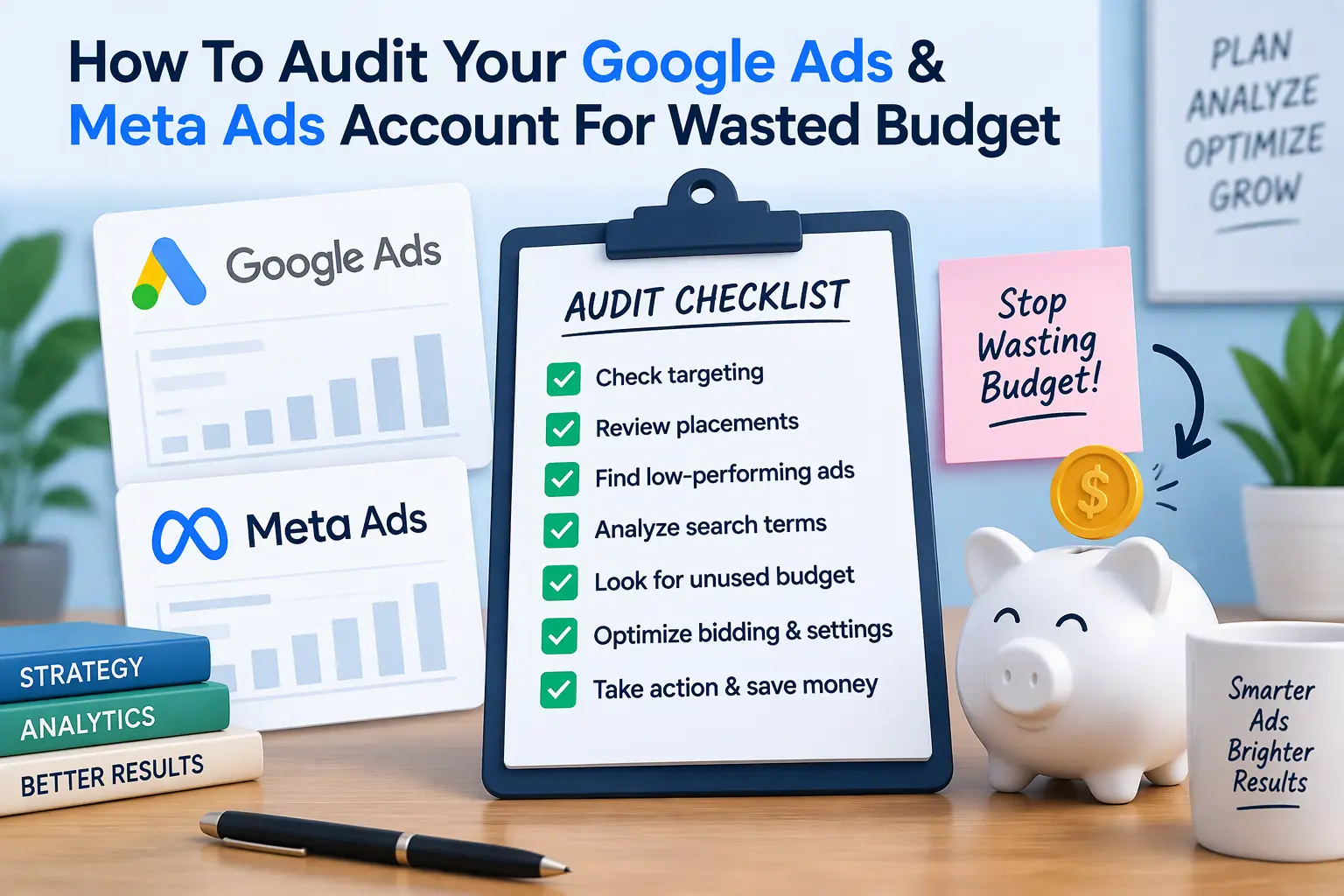
Un-audited ad accounts carry a hidden tax. Nobody sends you an invoice for it, but you pay it every month in clicks that never could have converted, impressions served to the wrong people, and bidding algorithms optimizing for the wrong goal. Estimates commonly put typical waste somewhere between 15% and 40% of ad budgets, driven by loose targeting, default settings nobody revisited, and broken tracking. The exact figure varies by account, so treat that range as a reason to check, not a promise.
This guide gives you a step-by-step framework to audit Google Ads and Meta Ads for wasted budget. It is the same order I follow when I review an account: platform settings first, tracking second, and the landing page last, because a perfect ad account still loses money if the page behind it leaks. Work through it with the platforms open in front of you.
Why You Need to Audit Google Ads and Meta Ads for Wasted Budget
Ad platforms are built to spend your money efficiently for the goal you gave them. They are not built to question that goal. If your targeting is too broad, your conversion definition is weak, or your placements are drifting, the platform will keep spending, and the reports will keep looking busy.
A proper PPC ad spend audit asks three questions in every account:
- Who am I paying to reach? (targeting, locations, placements, queries)
- What am I telling the platform to optimize for? (conversion tracking and signals)
- What happens after the click? (landing page speed, relevance, and friction)
Run the audit quarterly, and always after a major campaign change. It takes a few hours and usually pays for itself in the first month.
Section 1: Auditing Google Ads for Hidden Leaks
Search terms vs. keywords: the negative keywords audit
Your keyword list is what you hoped to show for. The search terms report is what you actually showed for. The gap between them is often where the waste lives.
- Open the Search terms report and set the date range to at least the last 30 to 90 days.
- Sort by cost, not by impressions. Review every term that spent money without a conversion.
- Flag irrelevant intent: “free,” “jobs,” “salary,” “course,” “DIY,” “template,” competitor names you do not want, and informational research phrases.
- Check broad match keywords closely. They are where the loosest, most expensive matches tend to appear.
- Add confirmed junk as negatives. Use shared negative keyword lists for themes that apply across campaigns, and campaign-level negatives for specific cases.
- Watch for self-competition: negatives that stop one campaign from stealing queries meant for another.
A good negative keywords audit is not a one-off task. Review search terms weekly for new campaigns and monthly for mature ones. Also look at your best converting terms and make sure they have their own tightly matched ad groups.
Location and device bleed
Location settings are a classic silent leak. In campaign settings, check the advanced location options:
- Presence: shows ads to people who are in or regularly in your target locations.
- Presence or interest: also includes people who merely show interest in those locations, which can pull in clicks from outside your service area.
For a local or region-limited business, Presence is usually the safer choice. Then open the Locations report and check where clicks and conversions really come from. Exclude areas that spend and never convert.
Do the same by device. Compare cost per conversion across mobile, desktop, and tablet. If mobile spends heavily but converts poorly, do not simply cut it. First check whether the cause is a poor mobile landing page (see Section 3).
Network placements: Display and Search Partners
Search campaigns can include extra networks that you may not have chosen on purpose:
- Google Display Network opt-in: check whether your Search campaigns include the Display Network. It behaves very differently from search and rarely deserves a shared budget.
- Search Partners: segment the campaign by Network and compare Search Partners against Google Search. If partners spend with weak results, switch them off for that campaign.
For any Display or Performance Max activity, review the placement reports and exclude low-quality sites and apps that burn budget with accidental or irrelevant clicks.
Conversion tracking integrity
This is the highest-leverage item in the whole Google Ads budget audit. Smart Bidding strategies such as Maximize Conversions or Target CPA optimize for whatever your primary conversion actions are. If those include a page view, a button click, or a duplicate event, the algorithm happily buys cheap, worthless “conversions.”
- Open Goals → Conversions and list every action. Mark which are primary and which are secondary.
- Keep only real business outcomes as primary: qualified form submissions, calls of meaningful length, purchases, booked meetings.
- Demote soft signals (scroll depth, page views, micro-engagements) to secondary so they are reported but not optimized for.
- Check for duplicate counting, where one lead fires two conversion tags.
- Confirm that conversion values are set for purchases or lead tiers, so value-based bidding has real numbers.
- Consider enhanced conversions and importing CRM outcomes, so bidding learns from qualified leads and sales, not raw form fills.
Section 2: Auditing Meta (Facebook and Instagram) Ads for Budget Drain
Audience overlap and Facebook ad overlap
When several ad sets target similar people, they enter the same auctions against each other. That is Facebook ad overlap: you compete with yourself, drive up CPMs, and split the data that the algorithm needs to learn.
- List every active ad set with its audience definition (interests, lookalikes, custom audiences, exclusions).
- Look for stacked, near-identical audiences, such as several lookalikes of the same source or interest groups that are largely the same people.
- Use whatever overlap reporting your account offers (Meta’s tools in this area have changed over time), and where it is unavailable, compare the audience definitions manually.
- Consolidate overlapping ad sets, and use exclusions so prospecting does not target existing customers or retargeting pools.
- Fewer, better-funded ad sets usually exit the learning phase faster than many thin ones.
Placement waste
Open the Breakdown → By Delivery → Placement view. Compare cost per result, and more importantly the quality of the results, across Facebook Feed, Instagram Feed, Stories, Reels, and Audience Network.
- Audience Network and some inventory can deliver cheap clicks that rarely turn into customers.
- Look past the cheapest cost per result. If a placement produces low-quality leads, it is expensive no matter what the dashboard says.
- Exclude persistent underperformers, but give each placement enough data first, and make sure your creative is sized properly for vertical placements before you judge them.
Creative fatigue and frequency spikes
An ad that performed well last month may be exhausted now. Signs of fatigue:
- Frequency climbing steadily while click-through rate falls
- Cost per result rising without any change in targeting or budget
- Negative feedback or hidden-ad signals increasing
- Comments turning repetitive or hostile
Build a creative refresh schedule instead of reacting after the damage. For most accounts that means introducing new variations on a regular rhythm, keeping a bench of tested concepts ready, and retiring the ads that have run their course. Smaller audiences fatigue faster, so check them most often.
Technical tracking health: Pixel and Conversions API
Meta’s delivery system learns from the events you send it. If those events are broken, it optimizes blind.
- Open Events Manager and confirm that the key events (lead, purchase, schedule, and so on) are firing, with the right parameters and values.
- Check whether you use both the Meta Pixel and the Conversions API (CAPI). Running both is common and recommended, because server-side events fill gaps left by browser limits.
- Verify deduplication. When the same event arrives from the browser and the server, both must carry matching event names and a shared event ID, so Meta counts one conversion, not two. Duplicate counting inflates results and misleads optimization.
- Review event match quality and improve the customer information you pass, within your privacy and consent obligations.
- Make sure your optimization event is a meaningful one, not simply the cheapest event to trigger.
Section 3: The Cross-Platform Landing Page Leak
You can fix every setting above and still waste budget, because both platforms send traffic to the same place: your website. If that page is slow, confusing, or broken, you pay for every visitor who leaves.
Mobile responsiveness, speed, and form friction
- Speed: test the landing pages on real mobile data. As a benchmark, aim for a Largest Contentful Paint under 2.5 seconds, Interaction to Next Paint under 200 milliseconds, and Cumulative Layout Shift under 0.1.
- Mobile layout: check on actual phones for overlapping elements, hidden buttons, menus that fail to open, and pop-ups that cover the form.
- Forms and checkout: remove unnecessary fields, confirm autofill works, make error messages clear, and test that every submission reaches your inbox or CRM.
- Trust and clarity: put proof and a clear next step near the first call to action.
Re-align ad copy intent with landing page UX
Ad relevance and landing page experience feed directly into Google’s Quality Score, which influences what you pay per click, and they shape your conversion rate on both platforms. A mismatch between what the ad promises and what the page delivers wastes money twice: you pay a higher cost per click, and fewer visitors convert.
- Make the page headline echo the ad and the search intent behind it.
- Send different intents to different pages instead of one catch-all page.
- Keep the offer identical from ad to page to form.
- Match the page to the stage of the buyer: a cold audience needs context, while a retargeted visitor needs a clear next step.
Quick Reference: Where the Waste Usually Hides
| Area | Where to look | Red flag |
|---|---|---|
| Search queries | Google Ads search terms report | Spend on irrelevant or informational queries |
| Location | Campaign location options and Locations report | Clicks from outside your service area |
| Networks | Network segment, placement reports | Display or Search Partners spend without results |
| Conversions | Goals → Conversions | Page views or duplicates set as primary |
| Audiences | Meta ad set targeting | Near-identical ad sets competing together |
| Placements | Breakdown by placement | Cheap clicks, poor lead quality |
| Creative | Frequency and CTR trend | Rising frequency, falling CTR |
| Meta tracking | Events Manager | Missing or double-counted events |
| Landing page | Real-device and speed testing | Slow load, broken mobile forms |
Conclusion: Audit Google Ads and Meta Ads for Wasted Budget Every Quarter
If you only have time for a few fixes, start with the ones that change what the algorithms learn:
- Correct your conversion tracking so bidding targets real business outcomes.
- Clean up search terms and add negatives, and lock down location and network settings.
- Consolidate overlapping Meta audiences and verify Pixel and CAPI deduplication.
- Fix the landing page so the traffic you buy has a fast, clear path to convert.
- Repeat quarterly, because accounts drift.
Doing this well takes more than platform knowledge. It takes access to the website and the tracking infrastructure underneath it, which is where I spend most of my time. If you would like me to audit your accounts, or to look at the technical side (tracking setup, page speed, forms, and CRM connections) that decides whether your ad spend can turn into revenue, I am happy to help.
Contact me at CodeCreate to book a direct audit or a technical optimization consultation. You can also see examples of my work in the CodeCreate portfolio.
