

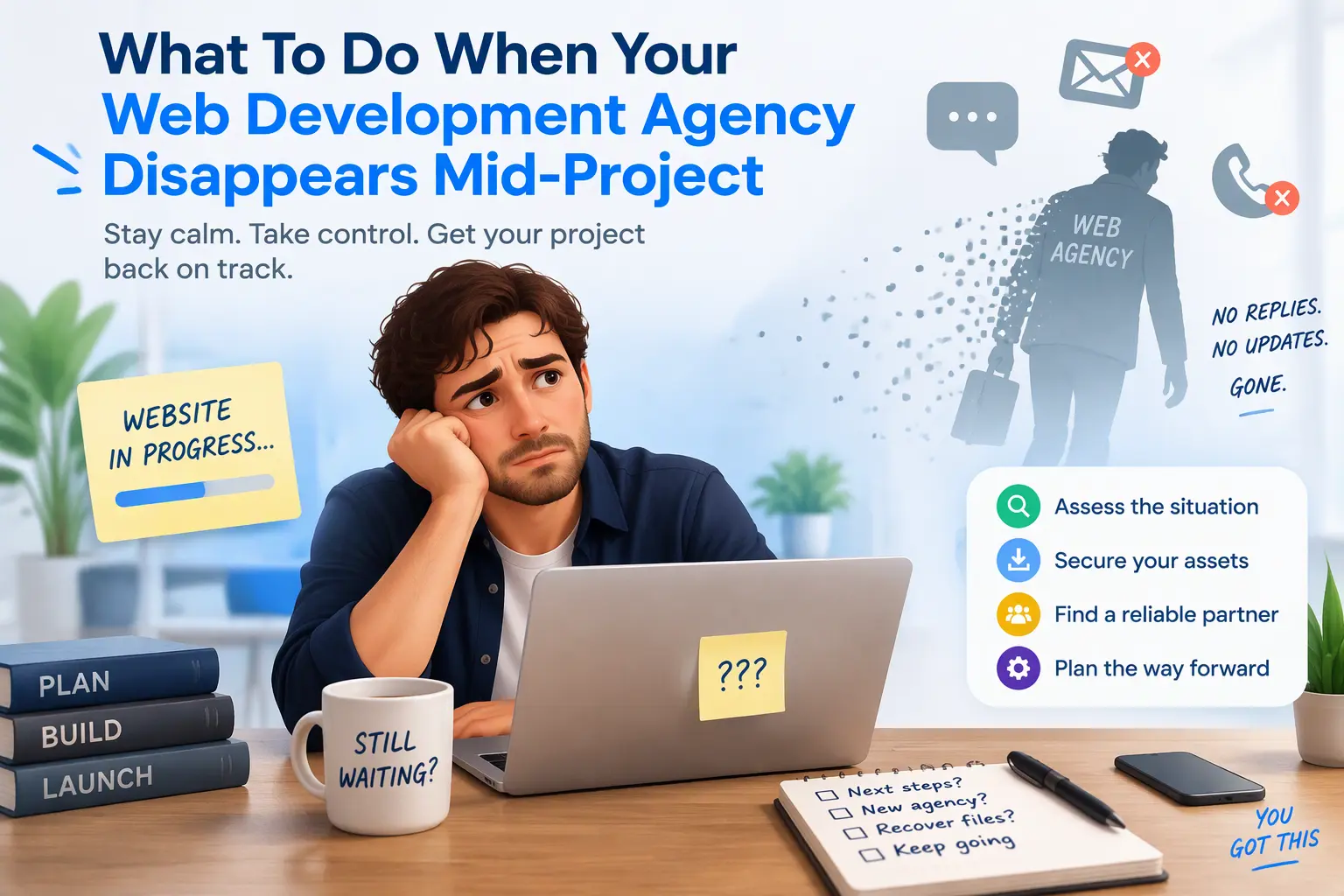
You have sent the follow-ups. You have called twice. The emails that once came back within the hour now disappear into silence. Your launch date has passed, and your website is stuck somewhere between a design file and a working product.
If your web development agency has abandoned your project, you are not the first, and the situation is almost always more recoverable than it feels right now. Most half-built sites can be taken over, audited and finished, provided you act in the right order.
This is the recovery plan I follow when a business comes to me with a ghosted project: secure the assets, audit what exists, settle ownership, and hand the build to one accountable developer. Work through these four steps in sequence and you move from locked out and anxious to fully in control.
Step 1: Secure Your Core Digital Assets
Before you think about code, find out who controls the accounts your site depends on. Access matters more than anything else at this stage.
- Domain and registrar: Log in to your registrar (GoDaddy, Namecheap, Cloudflare or similar) and confirm you are the registrant. If the agency registered the domain in its own name, request the transfer authorization code and be ready to prove your business identity.
- Hosting and cloud accounts: Check AWS, DigitalOcean, Kinsta, WP Engine or cPanel. If the billing runs through your card, ownership is far easier to establish. Add yourself as an owner, remove unknown users and change every password.
- GitHub or GitLab repositories: If the code lives in the agency’s account, ask for a transfer or at least owner access. If they are unreachable, check whether your host holds recent backups of the files.
- DNS and SSL: Export your DNS records before touching anything and note where your nameservers point. An SSL certificate tied to the agency’s email can quietly lapse and take your live site down with it.
Finally, replace the agency’s contact details with your own as the recovery email on every account you can reach.
Step 2: Run an Immediate Code and Asset Audit
Once you have access, find out exactly what you are holding. A proper audit tells you whether to finish the build, refactor it, or rebuild parts of it.
- Database access: Confirm you can export the full database. Content, users, orders and form entries all live there.
- Custom theme and plugin files: Check whether the custom code is clean, commented and under version control, or whether it is a tangle of edits made directly on the server. Note premium plugins and whether their licences are in your name.
- Staging environments: Locate any staging or development copy. It often contains the most recent work, which may not exist on the live site.
- API keys and integrations: List every third-party service in use, such as payment gateways, CRMs, email platforms and maps. Rotate any keys the agency created, and move them to accounts you own.
Take a full backup of files and database before anyone changes anything. That backup is your safety net.
Step 3: Address Financial and Legal Ownership
I am a developer, not a lawyer, so treat this as orientation rather than legal advice.
Start with your contract. Look for clauses on source code rights and intellectual property. In many agreements, ownership transfers only on final payment, which matters if you paid in stages. Rules differ between the US, UK, EU and UAE, so check which jurisdiction governs your agreement.
Next, document everything: emails, invoices, milestones agreed, and dates your messages went unanswered. Send a formal written notice that sets a clear deadline, typically seven to fourteen days, for the agency to hand over assets or respond.
If you paid by credit card or PayPal, a chargeback or dispute may be possible for work not delivered. Time limits apply and vary by card network and issuer, so contact your provider early. For larger sums, a short consultation with a solicitor or attorney is money well spent.
Step 4: Onboard a Technical Rescue Developer
Do not hand a damaged project to the first person who says yes. A rescue is different from a fresh build, and the right developer will show it in how they work. Look for:
- Clean code practices: Version control, readable PHP and JavaScript, and documentation you can hand to the next person.
- Direct communication: You should speak to the person writing your code, not a project manager relaying messages. That is how you avoid a repeat of the silence.
- Depth with ACF and custom APIs: Many abandoned WordPress builds rely on Advanced Custom Fields and bespoke integrations. Whoever takes over must understand how they were wired together.
- A bias against bloat: Stacked page builders and dozens of plugins slow a site down and complicate maintenance. A good rescue developer removes weight rather than adding it.
- A written audit first: They should tell you what they found, what it will take to fix, and what it should cost before any build work begins.
How I Handle Project Rescues
I am Supratim Chatterjee, founder of Codecreate, and I take over stalled and abandoned website projects directly. There is no account manager and no hand-off between teams. When you hire me, you deal with one person who is accountable for the result.
This is how a rescue typically runs:
- Secure access. I help you recover or transfer your domain, hosting, repositories and DNS so you own everything.
- Audit the build. I review the database, custom theme and plugin code, staging environments and integrations myself, then send you a plain-English report with findings and options.
- Agree a clear scope. You see what is worth keeping, what needs fixing and what it costs before I start.
- Finish the project. I complete the work in clean, documented custom WordPress, with ACF and API integrations built properly and no unnecessary plugins.
You can review my work before we speak: my web development portfolio and my design portfolio.
Get Your Project Back on Track
If your agency has gone quiet, every week of delay costs you leads and credibility. Tell me where the project stands and I will tell you honestly what is recoverable.
- Contact page: codecreate.net/contact
- Email: supratim@codecreate.net or supratim.dev.87@gmail.com
Your project is not lost. Send me the details, and let’s get it finished.
