

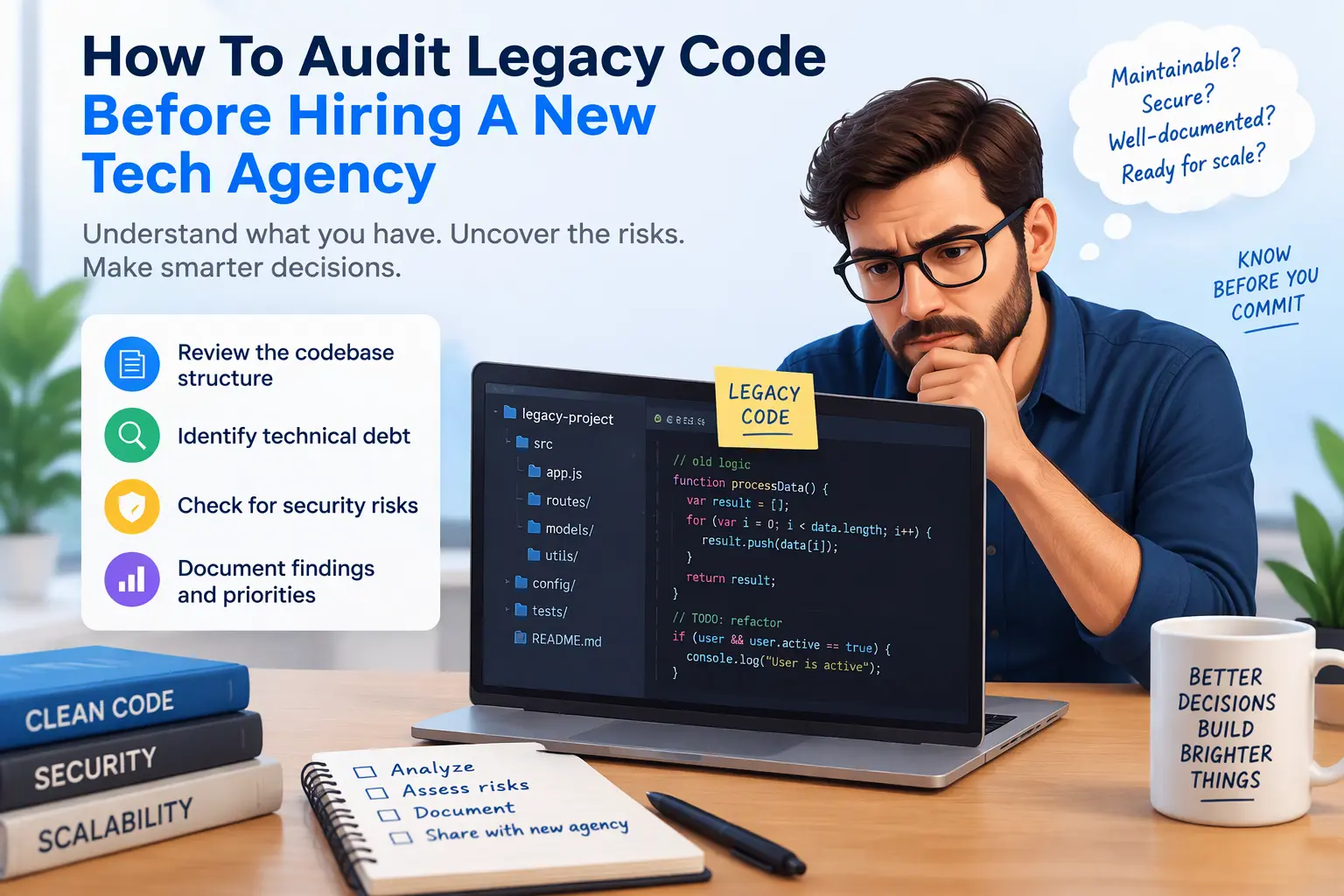
Inheriting a custom codebase is uncomfortable. The original developer has moved on, the documentation is thin, and the site still earns money, so nobody wants to touch it. Then a new agency reviews it for an hour and recommends a full rebuild at a price that conveniently fills their next quarter.
Sometimes a rebuild is the right call. Often it is not. The difference between the two comes down to evidence, and most owners do not have any until they commission an independent review.
If you audit legacy code before hiring a developer, you walk into every agency conversation with facts: what is healthy, what is risky and what it would cost to fix. That protects you from padded quotes, vendor lock-in and rebuilds you never needed. The four steps below are the framework I use, and you can apply most of it yourself before you spend anything.
Step 1: Assess Security, Dependencies and Core Versioning
Start with what can hurt you immediately. Security issues are the one category you cannot negotiate around.
- Core and runtime versions: Check the WordPress core version and the PHP version on the server. An unsupported PHP release no longer receives security patches, and upgrading it can expose code that relied on deprecated behaviour.
- Plugins, themes and libraries: List everything installed and compare it with the latest releases. Look for abandoned plugins, nulled (pirated) premium plugins and outdated JavaScript libraries.
- Hardcoded credentials: Search the codebase for database passwords, API keys and tokens written directly into theme files, functions.php or JavaScript. Anything found there should be rotated.
- User roles and access: Review administrator accounts. Former developers often still have them.
- Database hygiene: Look for bloated autoloaded options, orphaned data from deleted plugins, excessive post revisions and expired transients.
Finish with a malware scan and a review of file permissions. Do this before anyone else is given access.
Step 2: Evaluate Code Quality and Technical Debt
Technical debt is not a single number. It is a collection of specific, fixable problems, and most of them are cheaper to repair than to replace.
- Custom versus core functions: Check whether the code uses WordPress’s built-in APIs or reinvents them. Custom database queries, hand-rolled form handling and bypassed sanitisation are common warning signs.
- Advanced Custom Fields setup: Review how field groups are organised. Are they synced to local JSON so they can be version controlled? Are field names consistent? Are repeaters and flexible content nested so deeply that queries slow down?
- Database queries and indexing: Profile slow queries, especially meta queries across large post tables. A single unindexed query can account for most of a page’s load time.
- Inline documentation: Comments, consistent naming and a README. Their absence raises the cost of every future change.
- Plugin and library bloat: Count active plugins, then ask which ones do something a few lines of clean code could handle. Overlapping plugins and unused scripts loaded on every page hurt both speed and security.
- Code organisation: Is custom logic separated into a plugin or structured theme files, or piled into one enormous functions.php?
Rate each finding as critical, moderate or cosmetic. Messy but working code is a very different problem from code that is exposed or broken.
Step 3: Test Architecture, APIs and Extensibility
A codebase can be tidy today and still be a poor foundation for growth. This step tells you whether the architecture will carry the next three years of your plans.
- Custom REST endpoints: Confirm every route has proper authentication and permission callbacks. An endpoint that returns private data to anyone who finds it is a serious vulnerability.
- Third-party integrations: Document each connection to your CRM, payment provider or email platform, including how failures are handled and where the credentials live.
- Error logging: Check whether errors are logged and monitored, or silently swallowed. Sites without logging fail without anyone noticing.
- Extensibility: Ask how hard it would be for a stranger to add a feature. Are there hooks and clear separation of concerns, or does every change risk breaking something unrelated?
- Environment parity: Confirm that a staging copy can be built from the repository and database without manual guesswork.
If a new developer can read the code, run it locally and make a small change safely, the architecture is healthier than you may have feared.
Step 4: Create the Code Audit Report and RFP
An audit is only useful if it changes what you do next. Turn your findings into two documents.
The audit report lists each issue with its severity, location in the code, business impact and a rough effort estimate. It should clearly separate what must be fixed now, what can be scheduled and what should simply be left alone.
The technical scope (your RFP) then converts that report into a request that agencies can price fairly. Instead of asking “what do you think of our site?”, you ask them to quote specific, defined work: upgrade PHP, patch these endpoints, refactor this module, document the ACF structure.
This changes the conversation. An agency recommending a rebuild now has to justify it against your documented findings. Quotes become comparable, padding becomes visible and lock-in becomes much harder.
How I Perform Independent Code Audits
I am Supratim Chatterjee, founder of Codecreate. I audit legacy WordPress builds and custom PHP and JavaScript code personally. I focus on ACF architecture, database query profiling, refactoring and API security.
My audit is independent. You are paying me for an honest assessment, not to win a larger project, so if your code is sound I will say so. My process is:
- Review access. I work from a staging copy so your live site is never put at risk.
- Audit. I cover security, dependencies, code quality, database performance and integrations.
- Report. You receive a plain-language document with prioritised findings and effort estimates you can hand to any agency.
- Handover documentation. I leave your custom architecture written down, so the next developer starts informed.
If you want to see my work first, browse my web development portfolio and my design portfolio.
Get an Independent Review Before You Commit
Tell me about your site and what an agency has told you so far. I will explain what an audit would cover and give you an honest view of whether you are facing a repair or a rebuild.
- Contact page: codecreate.net/contact
- Email: supratim@codecreate.net or supratim.dev.87@gmail.com
